Key workplace tech surfaces may carry hundreds of harmful bacteria, experts warn. Here’s how to diminish their negative impact on your health.
Studies have found that everyday office equipment such as computers, laptops and keyboards can harbour hundreds of bacterial colonies. Research by CloudZero often referenced by cleaning specialists suggests that keyboards may host an average of 237 bacterial colonies, with some samples containing up to 970 colonies — in some cases more than a toilet seat.
Many workers have recently returned to their regular work routines after the festive break, potentially exposing themselves to these microbes without realising it. Those who realise the threat, try to find most efficient ways to get rid of the germs. Hence, Internet searches for ‘how to clean laptop keyboards’ have soared by over 5,000% in the past week alone.
To address this, experts from London-based rubbish removal company Clear It Waste have shared guidance on how to clean frequently touched tech surfaces including laptops, mice and keyboards.
According to Clear It Waste, routine cleaning of these devices is often overlooked in office and home workplaces. Josh Clarke, speaking on behalf of the company, also emphasises broader hygiene practices and offers recommendations for disposing of old or broken equipment responsibly.
Typical office work involves prolonged computer use
Research indicates that modern office workers spend a substantial portion of their workday at computers. A survey of office employees found that the average worker spends about 6.5 hours per workday in front of a computer screen, amounting to roughly 1,700 hours per year. Another survey analysis shows that many desk-based employees spend around five hours a day using a computer during their standard work activities.
Prolonged computer and seated work is common across sectors, with ICT and administrative workers reporting some of the highest daily sitting and screen exposure patterns.
Experts recommend regular cleaning of high-touch tech
-
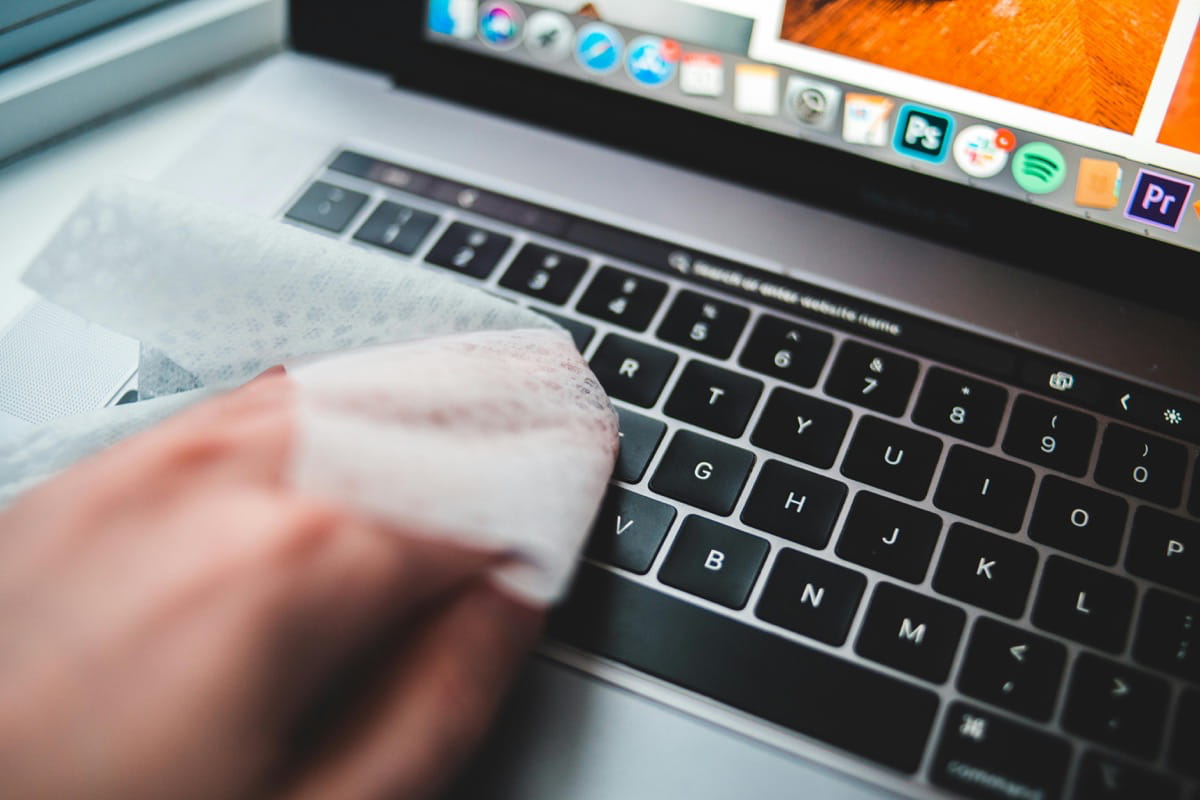
Keyboards: Commonly used throughout the workday, keyboards may harbour bacteria such as Staphylococcus and mould species, which can contribute to respiratory irritation and other health effects. Keyboards should be wiped weekly, with deeper cleaning every 1–2 months. Before cleaning, they should be unplugged; surface grime can be removed with a microfiber cloth followed by careful use of a slightly damp cotton swab and a mild cleaning solution. Liquids should never be allowed inside the device.
-
Mice: According to the referenced study, mice averaged about 408 bacterial colonies, including species such as Bacillus, some of which can survive in harsh conditions. Regular weekly wipes and monthly deeper cleans with mild cleaners can reduce bacterial load.
-
Laptops: Laptops were found to carry an average of 645 bacterial colonies, with some devices exceeding 3,000. Monthly cleaning is advised. Users are encouraged to wipe surfaces gently with a computer-safe solution on a microfiber cloth, followed by drying and the use of compressed air to remove dust from keyboards. Sanitising wipes can be used on keys and touchpads.
Safe disposal and equipment hygiene
Clear It Waste also highlights the importance of proper disposal of old or damaged tech equipment. Clarke states that treating such devices as electronic waste (WEEE) and recycling them through authorised channels helps prevent environmental contamination and the loss of valuable materials. Licensed collection and treatment facilities are recommended to ensure hazardous components are handled appropriately.