Bitcoin has evolved beyond an asset which people usually hold. With the Lightning Network, people can transfer Bitcoin in seconds, almost instantly making it more feasible for everyday use. Whether you’re sending money to a friend, receiving money from another country, or managing digital assets, Lightning-enabled wallets simplify the experience.
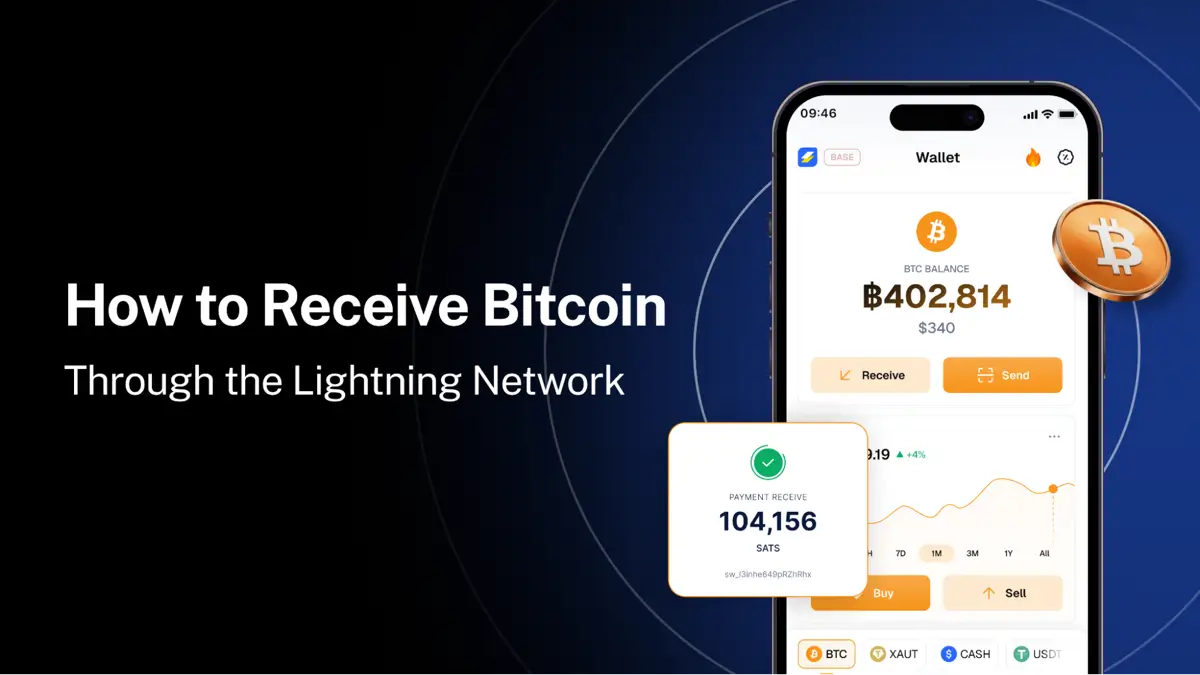
But how do you send and receive Bitcoin using the Lightning Network? The process begins with choosing a compatible wallet like Speed Wallet, sharing the accurate details, and confirming that the transfer has arrived.
What Is the Bitcoin Lightning Network?
The Lightning Network is an additional layer built on Bitcoin that enables quicker transactions without recording every individual transfer directly on the main blockchain. It is created to make frequent & smaller transactions more practical while generally keeping fees minimal.
Unlike a traditional Bitcoin address, which is used for on-chain transfers, a Lightning Address provides a simpler & efficient way to recognise where Bitcoin should be sent. It looks similar to an email address, for example [email protected] (LN Address in Speed Wallet) making it easier to share with others.
Wallets also generate QR codes, allowing senders to scan the required details instead of copying a long string of characters.
How to Receive Bitcoin Through Lightning: 3 Simple Steps
Receiving Bitcoin through Lightning is simple when you use an appropriate wallet. Here’s how the process works in Speed Wallet.
Step 1: Share Your Personalized Lightning Address
Open your wallet and locate your LN address. For example in Speed Wallet, you can create a personalized address, such as [email protected], and share it directly with the person sending you Bitcoin.
The sender should enter the address in the wallet to initiate the transfer. Unlike a lengthy alphanumeric string, a personalized address is easy to remember, copy, and share. Before sharing it, make sure you’re providing the correct address and that the sender’s wallet supports Lightning transfers.
Step 2: Generate a QR Code
If you prefer not to share your address manually, generate a QR code from your wallet’s receiving screen. The sender can scan the code using a compatible wallet to access the necessary receiving details.
This is particularly practical when transferring Bitcoin in person or when you want to avoid typing errors. QR codes offer a convenient alternative to copying addresses and can make the process smoother across compatible wallets.
Step 3: Receive Bitcoin in Your Wallet
Once the sender completes the transfer, the Bitcoin arrives in your wallet. Speed Wallet provides a real-time push notification to let you know when the funds arrive.You can then check your wallet balance and transaction history to confirm the transfer.
How to Send Bitcoin Through Lightning
Sending Bitcoin is just as simple. The exact interface may vary by wallet, but the general process follows three steps.
- Enter the recipient’s details: Open your wallet, select Send, and enter their Lightning Address or scan their QR code.
- Choose the asset and network: Select Bitcoin and ensure the transfer uses Lightning when the recipient’s details support it.
- Review and confirm: Enter the amount, review the transaction details and any applicable fee, and confirm the transfer.
Once the transfer is completed, the recipient should see the funds in their wallet. Always double-check the recipient’s details and the selected network before confirming.
Why Use a Lightning Wallet for Everyday Bitcoin Transfers?
The Lightning Network makes Bitcoin more feasible and practical for smaller & frequent transfers by reducing the time and cost often associated with on-chain transactions.
Here are some of its key advantages:
- Speed: Compatible Lightning transfers can settle within seconds almost instantly.
- Low fees: Lightning fees are generally low, making smaller transfers more practical.
- Simpler sharing: Personalized Lightning Addresses and QR codes reduce the need to handle long wallet addresses.
- Global accessibility: Users can send and receive funds across borders, subject to wallet availability, compatibility, and applicable restrictions.
- Everyday usability: A straightforward wallet interface makes Bitcoin easier to use for routine transfers.
For users who want to hold Stablecoins, a multi-asset wallet provides additional flexibility. Speed Wallet, for example, supports Bitcoin through Lightning and on-chain networks, alongside supported assets such as USDT, USDC, and Tether gold (XAUT) on their respective networks.
What to Check Before Sending or Receiving Bitcoin
A few simple precautions may help you avoid common mistakes. First, confirm that both wallets support the same network while transacting. A Lightning Address should not be confused with a standard on-chain Bitcoin address, as the two serve different purposes.
Second, check the recipient’s details before sending money. Bitcoin transfers are difficult or impossible to reverse once done. Finally, use a trusted wallet, secure your account with available authentication features, and check the receiving balance or transaction history after a transfer.
Conclusion
Receiving Bitcoin through Lightning involves three steps: share your personalized Lightning Address, generate a QR code as an alternative, and confirm that the funds have arrived in the wallet. Sending Bitcoin follows a similar straight process of entering the recipient’s details, selecting the appropriate network, and confirming the transfer.
With compatible wallets such as Speed Wallet, Lightning makes sending and receiving Bitcoin faster and more accessible for everyday use.