Closing time at a small cafe usually looks the same everywhere. Someone counts the drawer, someone else squints at a roll of paper tape, and the difference between what the till says and what the notebook says gets written off as “close enough.” Multiply that by six days a week and you have a business with no reliable picture of its own margins.
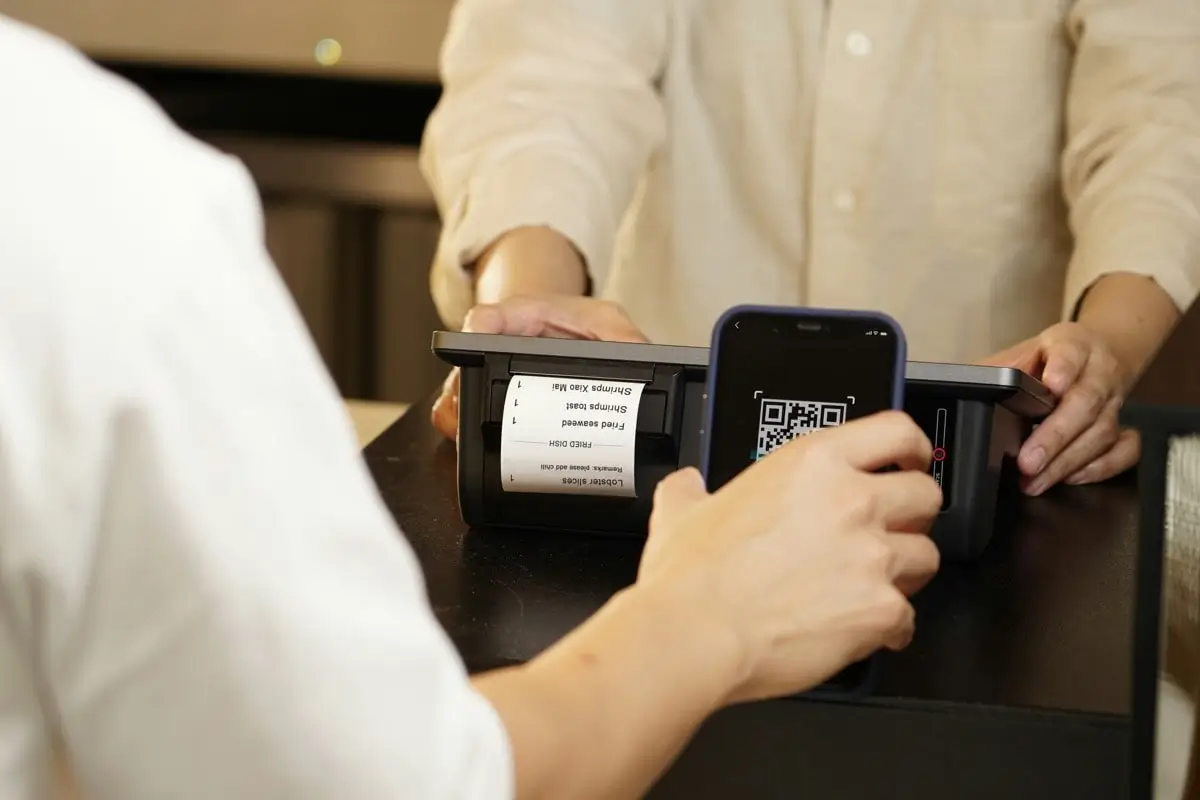
The gap is rarely about effort. It is about tooling. Traditional cash registers record transactions but almost nothing else, and full retail management suites are priced for chains, not for a two-person kiosk or a food truck that trades four hours a day.
That middle ground is where Loyverse POS sits. Listed in the Business category and published under the name Loyverse, it turns a phone or tablet into a point of sale terminal with inventory tracking, sales reporting and a customer database attached. The store listing is blunt about the commercial terms: no ads, no credit card required, no contracts, no commitments.
What a small shop gets beyond a cash drawer
The core loop is familiar. You build an item list, ring up sales, take payment, and issue a receipt. What separates it from a register is that every one of those actions leaves structured data behind.
Stock levels move in real time as items sell. Sales reports accumulate by item, by day, by employee. Customers can be added to a database and sent electronic receipts, which quietly doubles as a way to build a contact list without ever asking anyone to fill in a form.
The customer relationship side matters more than it sounds for a coffee shop. Knowing that forty percent of morning revenue comes from thirty repeat names changes how you think about a loyalty scheme, and it changes what you can tell a lender or an accountant when they ask about revenue stability.
The listing points at retail stores, cafes, bars, restaurants, beauty salons, kiosks, food trucks and car washes. What those have in common is a low transaction value, high transaction count, and an owner who is also the operator. Financial visibility for that profile has historically meant an evening with a spreadsheet.
The back-office case for a desktop version
The app is built for touch, and for the counter it should stay on touch. The desktop case is different: it is the back-office case.
Reconciling a month, comparing item performance, adjusting prices across a long catalogue, or reviewing employee shift data is all work that goes faster on a keyboard and a large screen. Typing a hundred item names with a physical keyboard instead of a tablet’s on-screen one is not glamorous, but it saves an afternoon that would otherwise get lost to thumb-typing.
There is also the practical matter of running the app on the machine you already keep in the stockroom. If your Windows PC is where invoices, supplier emails and bookkeeping already live, having the POS view in the same place cuts down on device juggling.
Setting up Loyverse POS for PC without breaking the counter setup
Since this is an Android app, running it on Windows means an Android runtime. BlueStacks is the usual route, and the install itself is unremarkable. Two details, though, matter for this particular app:
- Keep the desktop instance signed in to the same account as your counter device, so item edits and stock adjustments propagate rather than forking into two catalogues.
- Set the emulator window to a landscape tablet resolution before you start entering items, because the POS grid layout is designed around tablet proportions and cramps badly in a phone-shaped window.
- Treat the desktop copy as a secondary terminal, not the live till, unless you have tested a full sale end to end including the receipt.
That third point is where most people run into trouble. Receipt printers, cash drawers and barcode scanners connect over USB or Bluetooth to a physical device, and passing that hardware through an emulator layer is inconsistent at best.
So before you assume a scanner will work, test the peripheral question first, not the app question. If you’re setting up a stockroom machine specifically to run the till software, it helps to download Loyverse POS for PC with that hardware limitation already in mind, rather than discovering it after a receipt printer refuses to respond on a busy morning. A desktop instance that can read reports and edit items but cannot drive a thermal printer is still worth having. It just should not be the thing standing between a customer and their receipt on a Saturday.
Turning the drawer count into real numbers
Payment processing, accounting and POS are three different jobs that small operators often collapse into one. A POS system’s real contribution to the financial side is clean transaction data: what sold, when, at what price, to whom.
Once that data exists, everything downstream gets easier. Cost of goods becomes calculable rather than estimated. Slow-moving stock becomes visible before it ties up cash for a season. Ordering patterns stop being a matter of memory.
None of that requires a subscription or a hardware contract, which is the part that tends to surprise owners who have priced retail systems before.
Which brings it back to that closing-time drawer count. The count still happens, but instead of comparing cash against a guess, you are comparing it against an itemised record of every flat white sold since eight in the morning.